Wall Art Guide, Wall Art Tutoriels
Spotify Wall Art: Custom Music Code Playlist Song Art
Nov
So I’ve been obsessed with these Spotify code wall art things for like six months now and honestly they’re such a good gift idea or just for your own space. My friend Rachel asked me about them last week and I realized I’ve actually tested a bunch of different ways to make them, so here’s what I know.
What Actually Are These Things
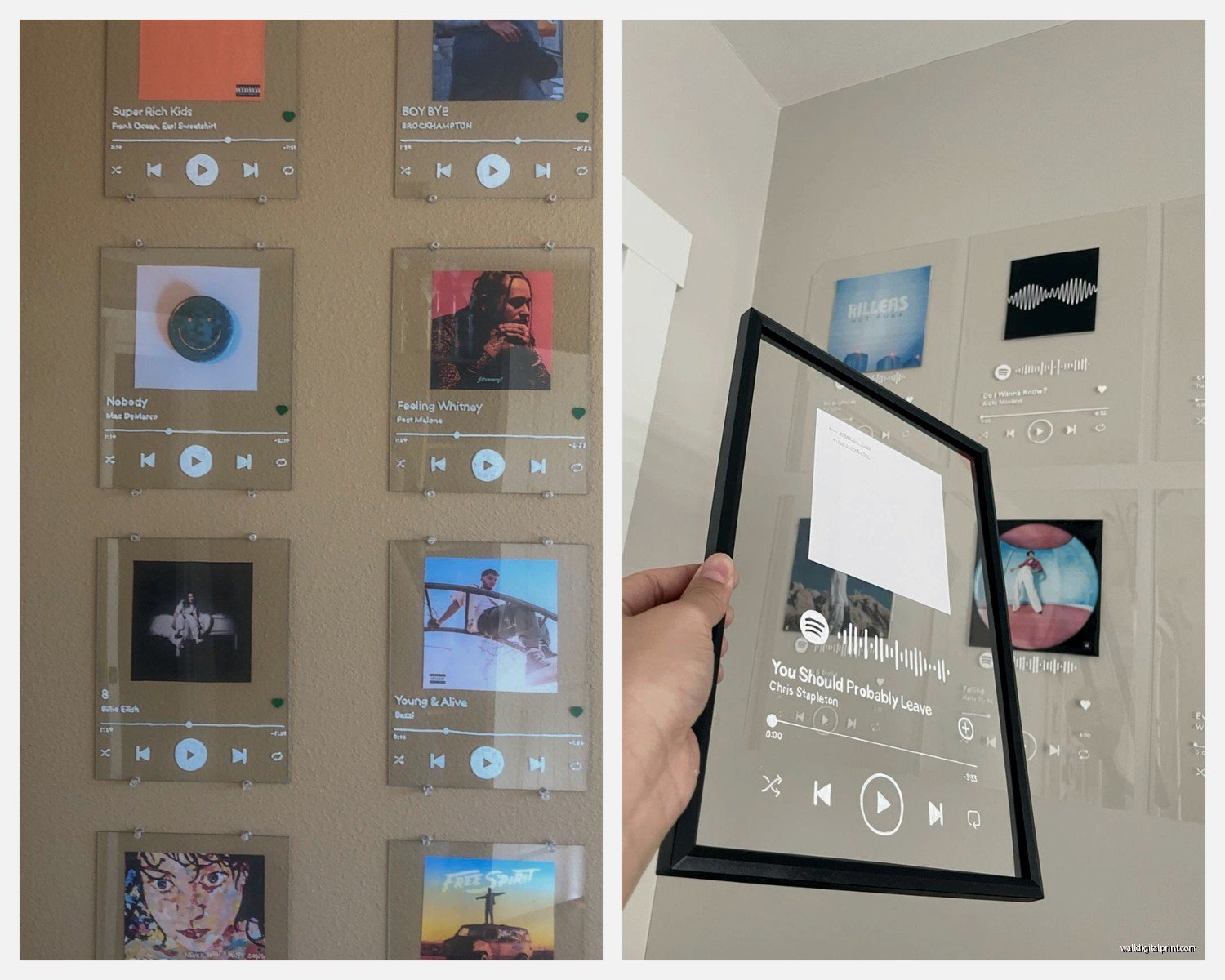
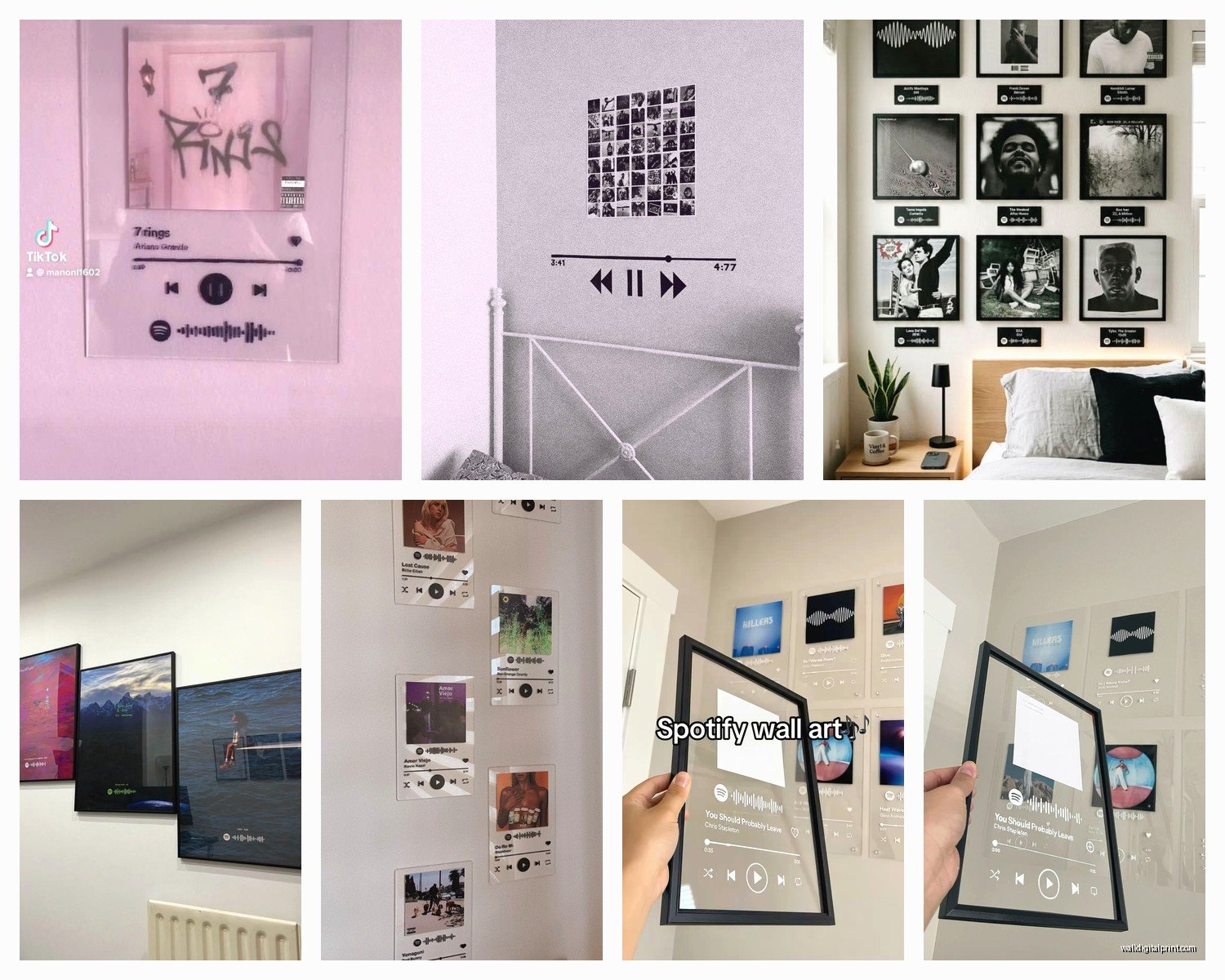
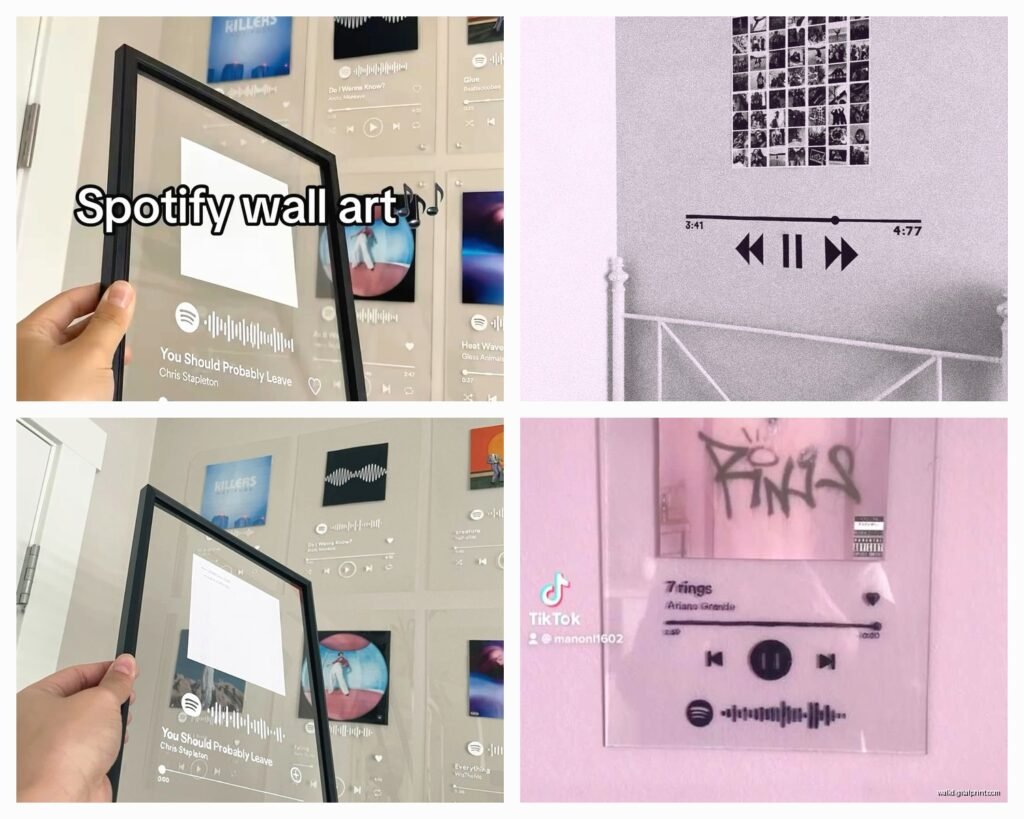
Okay so the Spotify codes are those weird barcode-looking things that you can scan in the Spotify app to pull up a specific song, album, or playlist. People turn them into wall art by basically printing them in pretty designs with the album cover or song lyrics or whatever. You scan it with your phone and boom, the song plays. It’s like… way more personal than just hanging generic art because it’s YOUR song, you know?
The Easiest Way If You Don’t Wanna Deal With Design Stuff
There are sites that literally do everything for you. I’ve used Spotify Codes and also this one called Tune to Frame. You just paste in the Spotify link to your song, pick a design template, and they print it and ship it to you. Costs anywhere from like $15 to $50 depending on size and frame options.
The quality on Tune to Frame was actually really good when I ordered one for my sister’s wedding gift (her first dance song). The frame was solid, print was crisp. Took about two weeks to arrive though so don’t wait til the last minute.
Oh and another thing, some Etsy shops do custom versions where you can request specific colors or layouts. I found one seller who matched the art print to my bedroom color scheme which was perfect because I’m picky about that stuff. Just search “custom Spotify code art” on Etsy and you’ll find tons.
Print Quality Matters More Than You Think
I made the mistake once of ordering from a really cheap site and the code was so pixelated that my phone couldn’t even scan it properly. Had to hold my phone at weird angles and the lighting had to be perfect. Total pain. So if you’re going the pre-made route, read reviews about scan-ability specifically.
DIY Route Which Is Honestly Pretty Easy
This is gonna sound weird but I actually prefer making my own now because you have total control and it’s way cheaper if you’re doing multiple pieces.
First you need to grab your Spotify code. Open Spotify on your computer, find your song or playlist, click the three dots, then “Share” and there should be an option for “Copy Spotify URI” or you can just copy the link. Then go to spotifycodes.com which is Spotify’s official code generator.
Paste your link, pick your background color and bar color. Download it as either SVG or PNG. I always go with SVG because it scales better if you want to print it large later.
Design Programs You Can Use
If you know Canva this is super simple. Create a new design in whatever dimensions you want (I usually do 8×10 or 11×14), upload your Spotify code image, add the album artwork if you want, throw in some text with the song title and artist name. Done in like ten minutes.
For fancier stuff I use Photoshop but honestly that’s overkill unless you’re doing something really specific. My cat literally walked across my keyboard yesterday while I was working on one and somehow made it look better? Added this weird glitch effect that I actually kept.
There’s also this free tool called GIMP if you don’t have Photoshop. Works fine for basic stuff.
What to Include in Your Design
This is personal preference but here’s what I usually add:
- The Spotify code itself (obviously)
- Album artwork or a photo that relates to the song
- Song title and artist name
- Date if it’s commemorating something specific like a wedding or anniversary
- Maybe a line from the lyrics if there’s room
I did one for a client’s home office with their “power playlist” code and we kept it super minimal, just black and white with the code and playlist name. Looked really sleek.
Printing Options That Actually Work
Okay so you’ve got your design file ready. Now what?
Local print shops: Places like FedEx Office or Staples can print on nice cardstock or photo paper. I’ve had good luck with their photo prints on glossy paper, runs about $3-8 depending on size. The quality is decent and you get it same day.
Online printing: Printful, Shutterfly, Nations Photo Lab. I use Nations Photo Lab a lot because their color accuracy is really good and prices are reasonable. A 12×16 print is like $12. They have sales constantly too.
Home printing: If you have a decent inkjet printer this works fine for smaller sizes. I printed a bunch of 5x7s as holiday gifts last year on my Epson and they turned out nice. Just invest in good paper, not the flimsy stuff. I like Epson’s Premium Presentation Matte paper.
Wait I forgot to mention, if you’re printing at home, make sure your code is large enough that the bars aren’t too thin. I’ve found that the code itself should be at least 3 inches wide for reliable scanning. Learned that the hard way when I printed tiny ones that looked cute but were basically useless.
Framing Situations
You can obviously just buy frames from Target or IKEA. Their RIBBA frames are like $7 and work perfectly fine. I probably have fifteen of them in my apartment.
But if you want something nicer, I really like Framebridge for custom framing. It’s pricier (starts around $40) but they make it super easy, you just upload your image and pick frame and mat options. They print and frame it for you.
For a budget option that still looks good, check Amazon for frame sets. I got a pack of three 11×14 black frames for like $25 and the quality was surprisingly solid.
Mat or No Mat
Personal opinion but I almost always use a mat. It just makes everything look more polished and professional. A white or cream mat with a black frame is classic and works with basically any design. If your artwork has specific colors you can match the mat to those.
Oh and another thing, floating frames are really cool for this type of art. It’s where the print appears to float inside the frame with a gap around it. Gives it a modern gallery feel. CB2 has some good ones but they’re kinda expensive.
Ideas for Different Occasions
I’ve made these for so many different situations now:
Anniversary gifts: Use the couple’s wedding song or the song that was playing when they met or whatever. Add their wedding date. People lose their minds over this, it’s such a thoughtful gift.
New parents: That lullaby they always sing to their baby, or honestly any song that means something to them about becoming parents. I did one with “Isn’t She Lovely” for my friend when her daughter was born.
Graduation: Their pump-up song or the anthem from their college years.
Just because: Your favorite playlist, that song you can’t stop listening to, a whole album that got you through a tough time.
I made one for myself with my “coding playlist” (yeah I’m that person) and hung it above my desk. Every time I look at it I remember why I picked those specific songs and it’s just… nice? Sounds cheesy but whatever.
Common Problems and Fixes
Code won’t scan: Usually means the print quality is too low or the bars are too thin. Reprint at a larger size or higher DPI. Should be at least 300 DPI for printing.
Colors look off: If you’re printing at home, calibrate your monitor and printer. If using a print service, most let you order a proof first. Do that if color accuracy is super important.
Design looks cluttered: Less is more with these. I’ve seen people try to cram too much info and it just looks messy. Stick to the essentials.
Wrong song pulls up: Double-check you grabbed the right Spotify URI. Sometimes if you copy the link while a different song is playing it gets confused. Always test the code from the generator before printing.
Making It Look Professional
Some random tips that make a difference:
Use a maximum of two fonts. Three if you really know what you’re doing but honestly two is safer. I usually pair a script or decorative font for the song title with a clean sans-serif for the artist name.
Pay attention to hierarchy. The most important element should be the biggest. Usually that’s the Spotify code itself, then song title, then other details.
Leave white space. Don’t fill every inch of the canvas. Let it breathe.
Align things properly. Use guides in whatever design program you’re using. Nothing looks more amateur than stuff that’s slightly off-center when it should be centered.
This is gonna sound weird but I sometimes print a test copy on regular paper first just to see how everything looks in physical form. Screens can be deceiving.
Advanced Ideas If You Wanna Get Fancy
I’ve been experimenting with creating series of these. Like a gallery wall with multiple songs from the same album, or a timeline of songs from different years of a relationship. Looks really cool when they’re all in matching frames.
You can also do themed playlists. I made one for a coffee shop owner with their “Sunday Morning Vibes” playlist code. They hung it behind the counter and customers could scan it.
Oh and vinyl record mockups are popular right now. You design it to look like a vintage record label with the Spotify code incorporated. There are templates for this on Creative Market if you don’t wanna design from scratch.
Some people are getting them printed on canvas instead of paper which gives a completely different vibe. More textured and artsy. Slightly more expensive but worth it for certain aesthetics.
The Spotify Playlist Consideration
One thing nobody tells you, if you’re using a playlist code instead of a single song, make sure the playlist is set to public not private. Otherwise people won’t be able to scan it. Found this out when my brother-in-law tried to scan the one I made him and it kept saying access denied. Oops.
Also playlists can change over time so the vibe might shift if you’re constantly adding and removing songs. For something permanent like wall art, I usually create a specific playlist just for that piece and then don’t touch it. Or use a single song code which never changes.
Anyway I think that covers most of what I’ve learned from making probably thirty of these by now. They’re honestly such a fun project and the reaction when you give one as a gift is always worth it. Plus they’re way more interesting than another generic print from HomeGoods, you know?
Just start with something simple, maybe make one for yourself first to test the process, then go from there. The official Spotify code generator makes it pretty foolproof and even if you mess up the design part, it’s just paper and ink so not a huge loss.