Wall Art Guide, Wall Art Tutoriels
Parametric Wall Art: Algorithm Computer-Generated Designs
Oct
So I’ve been absolutely obsessed with parametric wall art lately and honestly it started because a client showed me this piece they bought on Etsy and I was like wait, I can probably make something better myself? And turns out you totally can, even if you’re not a math person (which I’m definitely not).
What You’re Actually Getting Into
Okay so parametric art is basically when you use computer algorithms to generate designs based on mathematical rules. Sounds scary but it’s really just telling a program “make me waves that do this specific thing” or “create a pattern that follows these curves.” The computer does the heavy lifting and you get to play with all the variables until something looks cool.
I started with Grasshopper which is a plugin for Rhino 3D and yeah there’s a learning curve but honestly YouTube got me through it. The free trial of Rhino lasts 90 days which is plenty of time to figure out if you actually like this or if it’s gonna be one of those hobbies you abandon like my failed pottery phase.
The Software Options That Don’t Suck
Grasshopper + Rhino is what the pros use but it’s intimidating at first. You’re essentially connecting nodes together like building blocks. Each node does something specific and when you chain them together you get complex patterns. My first attempt looked like a toddler drew it but by day three I had something worth printing.
Processing is completely free and uses coding but before you run away screaming, the code is pretty simple. There are SO many tutorials specifically for wall art. I made this really cool geometric piece using like 20 lines of code I barely understood. Just copied from a tutorial, changed the colors and numbers, and boom.
Context Free Art is even simpler than Processing. You write these little text-based rules and it generates recursive patterns. My cat knocked over my coffee the first time I got something good and I lost the file because I forgot to save, so learn from my mistakes.
For people who refuse to touch code at all, Houdini Apprentice is free and has node-based workflows. The renders look incredible but it’s gonna take up like 5GB on your computer.
Actually Making Something Worth Hanging
Here’s what I wish someone told me from the start. Don’t try to make something “artistic” right away. Start with simple sine waves or basic Voronoi patterns. Get comfortable with how changing one parameter affects the whole design.
My workflow usually goes like this: I open Grasshopper, drop in a surface or curve, start adding modifiers, mess with the sliders for like an hour while watching The Great British Baking Show, and eventually something clicks. The sliders are everything btw. They let you adjust values in real-time so you can see your pattern morph and shift.
Parameters That Actually Matter
Frequency controls how often a pattern repeats. Low frequency gives you big swooping curves, high frequency gets you tight detailed ripples.
Amplitude is basically intensity. How dramatic are the waves or peaks or whatever your design is doing.
Seed values for randomization are wild because changing the seed by even one number can completely transform your piece. I generate like 50 variations and pick the best one.
Scale seems obvious but you gotta think about your final print size from the beginning. What looks good at 8×10 might be boring at 24×36.
The Technical Stuff Nobody Warns You About
Export settings will make or break you. For printing, you need vector files (PDF, SVG, EPS) or really high-resolution rasters. I’m talking 300 DPI minimum. My first print came out pixelated because I exported at screen resolution like an idiot.
If you’re doing laser cutting or CNC routing, you need clean vector paths. Grasshopper can export to AI or DXF files. Make sure your lines are actually continuous though because broken paths will mess up the cutting process. I learned this the expensive way when the laser cutter at my local makerspace stopped halfway through.
Color management is weirdly important. RGB looks different than CMYK. What appears vibrant on your screen might print muddy. I always do test prints on regular paper before committing to the expensive stuff.
Getting It On Your Wall
You’ve got options here and they all have pros and cons.
Print it yourself if you have a decent inkjet printer. I use an Epson EcoTank for smaller pieces, 11×17 max. The ink is cheap which is great when you’re doing test runs. Print on cardstock or watercolor paper for texture. The watercolor paper thing was an accident but it looks really sophisticated.
Print services like Printful or local print shops can handle larger sizes. I use a local place because the owner lets me bring in weird paper stocks. Found this metallic cardstock at an art supply store and the parametric patterns look insane on it with the light hitting different angles.
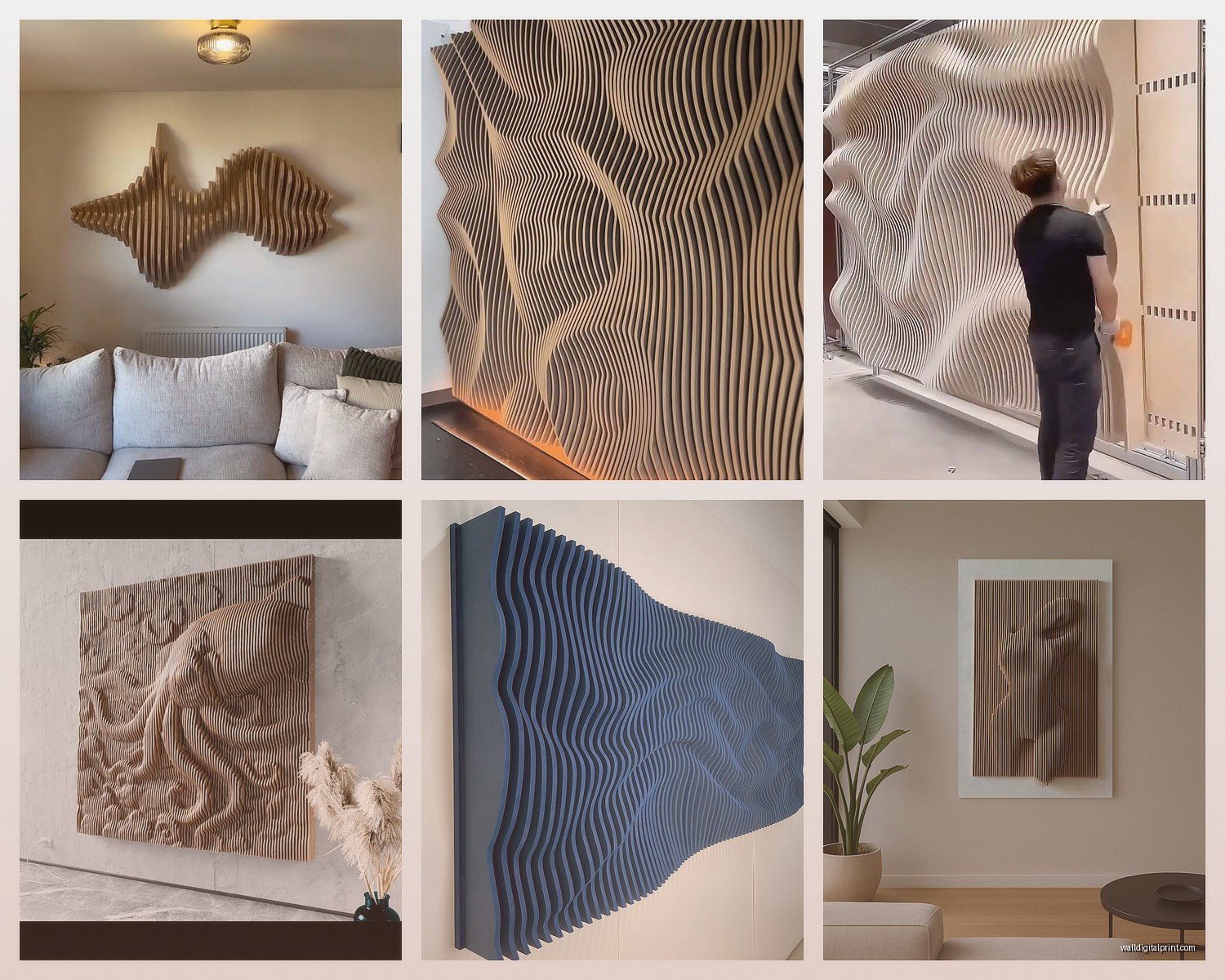
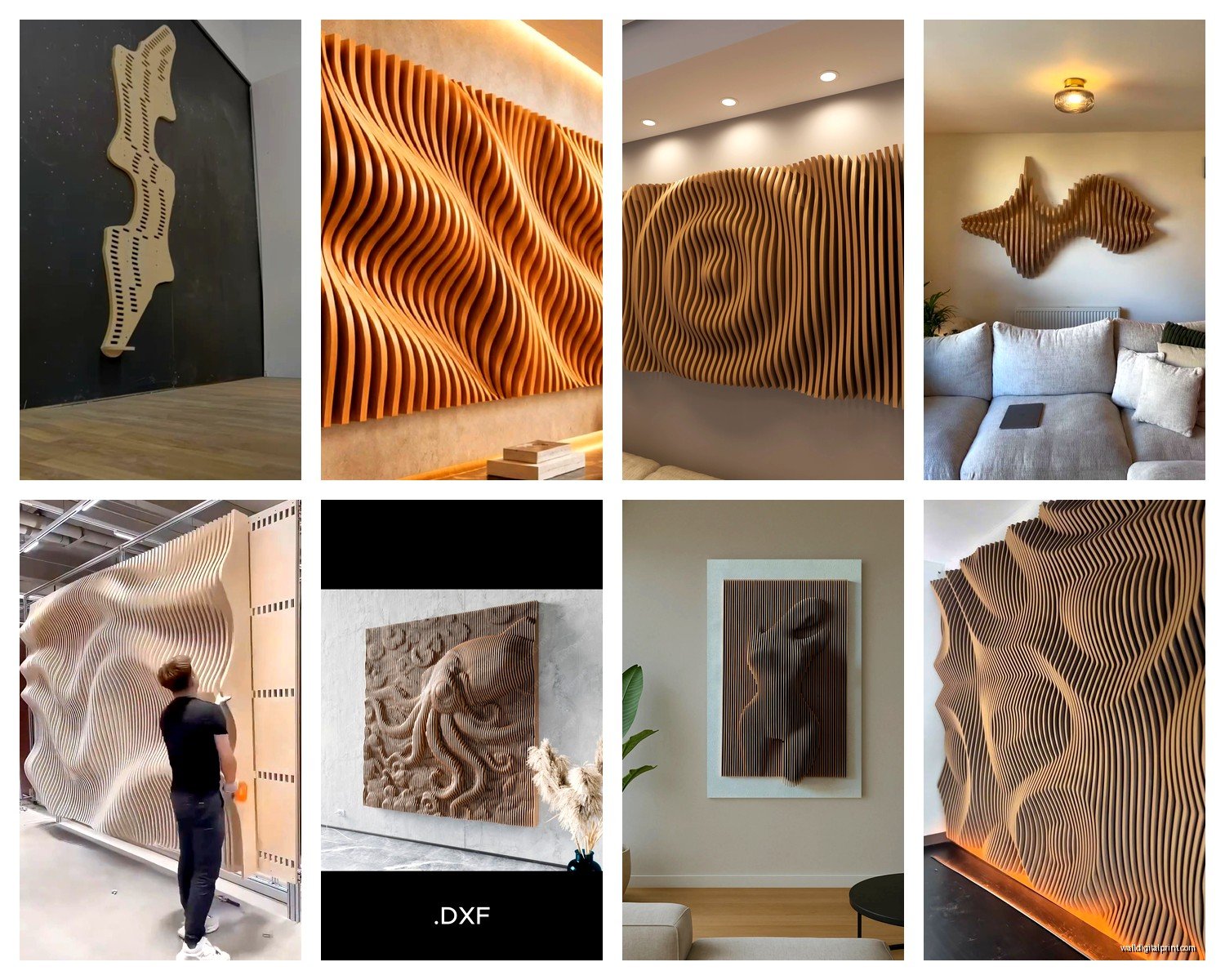
Laser cutting wood or acrylic creates dimensional pieces. You need to simplify your design usually, focusing on outlines rather than filled shapes. Baltic birch plywood is like $25 for a 12×24 sheet and cuts beautifully. I did a whole series of layered pieces where I cut the same pattern at different scales and stacked them with foam spacers.
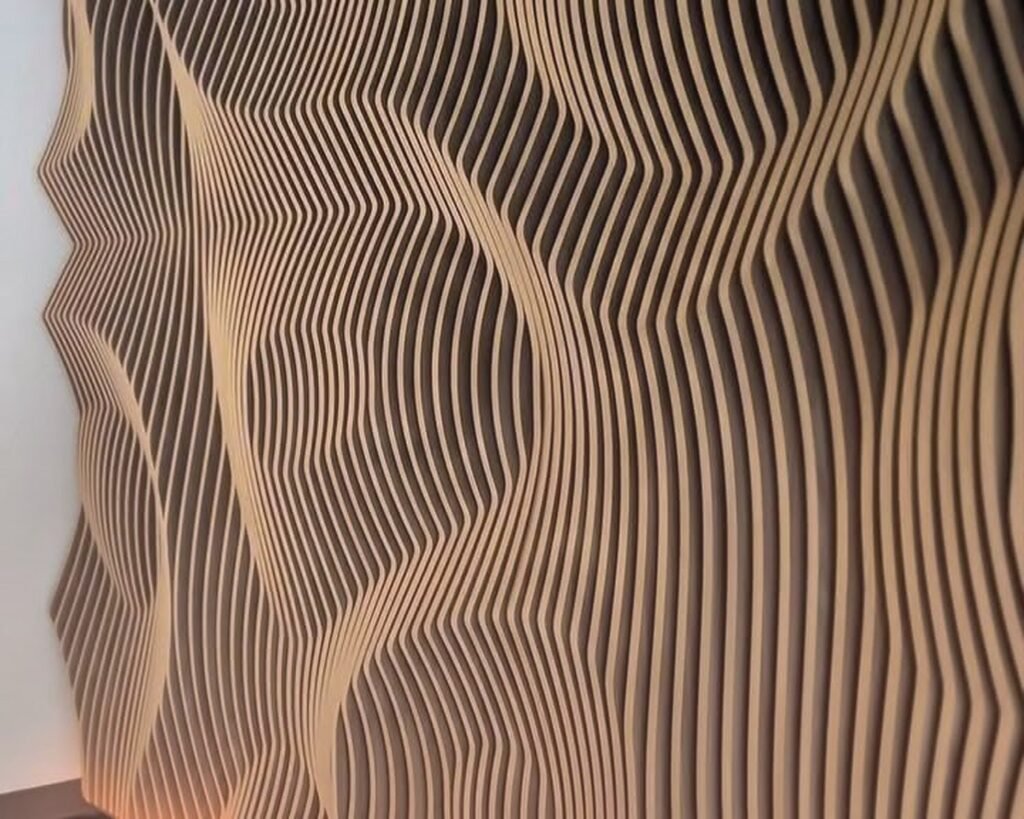
CNC routing on MDF or solid wood gives you these gorgeous relief patterns. More expensive though. Expect to pay $60-150 depending on size and complexity.
Framing Is Half The Battle
Don’t cheap out on framing oh my god. A $200 parametric piece in a $15 Amazon frame looks like a $15 piece. I get custom frames cut at a local shop or use Framebridge online. Float mounting works really well for these designs because it creates shadow depth.
For dimensional pieces like laser cuts, shadow boxes are your friend. IKEA has decent affordable ones. I also just mount directly to the wall sometimes using 3M command strips if it’s lightweight.
Ideas That Actually Worked For Me
Topographic landscapes using elevation data from actual mountains. There’s free geographic data available and you can import it into Rhino. Made one of the Rockies for a client’s ski house and they lost their minds over it.
Sound wave visualizations where you convert audio into waveforms. I did one of my niece saying “I love you” for my sister’s birthday and she cried. Processing has libraries that make this pretty straightforward.
Attractor point patterns where you place points and create designs that respond to their position. Like magnetic fields but visual. These look super organic despite being completely mathematical.
Recursive tree structures using L-systems. They grow and branch based on simple rules. Very satisfying to watch generate in real-time.
Voronoi cellular patterns based on anything, random points, bitmap images, text. I did one based on a photo of my dog and you can kinda see his outline in the cell structure if you squint.
Common Mistakes I Made So You Don’t Have To
Overcomplicating from the start. Simple patterns with good color choices beat complex messy ones every time.
Not considering negative space. The empty areas are just as important as the designed areas. Some of my best pieces are like 60% blank space.
Ignoring the color wheel. I’m not saying you need perfect color theory but don’t just pick random colors. Use Adobe Color or Coolors to generate palettes.
Making everything the same size. A gallery wall of parametric pieces in varying dimensions looks way more interesting than three identical squares.
Not iterating enough. Generate 100 variations, I’m serious. The first version is almost never the best one.
Where To Find Inspiration Without Copying
Instagram hashtags like #generativeart #parametricdesign #algorithmicart will flood you with ideas. I follow a bunch of artists like Marius Watz and Casey Reas.
OpenProcessing.org has thousands of sketches with viewable code. You can see exactly how someone made something and learn from it or adapt it.
Nature honestly. Parametric design mimics natural patterns anyway, spirals, fractals, waves, cellular structures. I take photos of tree bark and lichen and use them as conceptual starting points.
Architecture magazines because parametric facades are huge right now. What works on a building can be adapted for a wall piece.
The Money Stuff
If you wanna sell these, Etsy is obvious but saturated. I’ve had better luck with local art fairs and consignment at design shops. Price based on size, materials, and time. Don’t undervalue your work just because a computer helped generate it, you’re still the creative director making all the decisions.
Custom commissions are where real money is though. Clients love the idea of algorithm-generated art that’s unique to them. I charge $150-500 depending on size and complexity. They get the only physical copy and I keep the digital file for my portfolio.
Print-on-demand through Society6 or Redbubble is passive income but the margins are thin. Better as supplementary rather than primary income.
Leveling Up Your Technical Skills
Once you’re comfortable with basics, start learning about attractors, fields, and data mapping. These let you create designs that respond to external information like weather data, stock prices, whatever.
Scripting within Grasshopper using Python or C# opens up infinite possibilities. I avoided it for months but honestly it’s not that bad and suddenly you can do things the visual interface can’t handle.
Combining parametric design with traditional art techniques is where it gets really interesting. I’ve printed parametric patterns then painted over them, or used them as guides for hand-drawn elements.
Look into plugins like Lunchbox, Pufferfish, or Weaverbird for Grasshopper. They add functionality that would take forever to build yourself.
oh and another thing, join the Grasshopper forum because people there are incredibly helpful. I’ve posted my disaster files and had someone fix them within hours.
The learning curve is real but once it clicks you’ll be generating wall art faster than you can actually produce it physically. I currently have like 47 designs I love just sitting in folders waiting to be made. Start simple, watch tutorials at 1.5x speed, and don’t be afraid to completely fail at something before you figure it out.